Find the Perfect Wide-
Format Printer For
Your Needs

Expert Guidance, Honest Advice, Unmatched Service

Why Technova Quantum

Customer-First Approach


We don’t want to sell you the most expensive printer. Our consultative sales approach focuses on understanding your needs and finding a tailored solution for your business. Your success is our priority.
 

Trusted Expertise


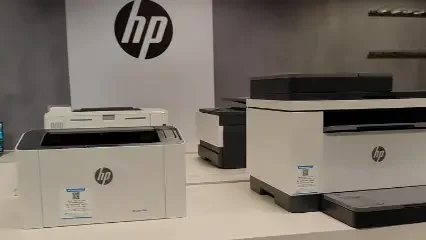
With  years of experience in wide-format printing, we know what works. Our deep knowledge of HP printers ensures you get the right equipment and reliable support every step of the way.
 

Dependable Service


We believe in doing what’s right, not just what’s easy. From ethical business practices to prompt maintenance and support, we’re committed to keeping your printers running smoothly.

Printer Services For...

HP Printer Support

Setup, driver install and error troubleshooting.
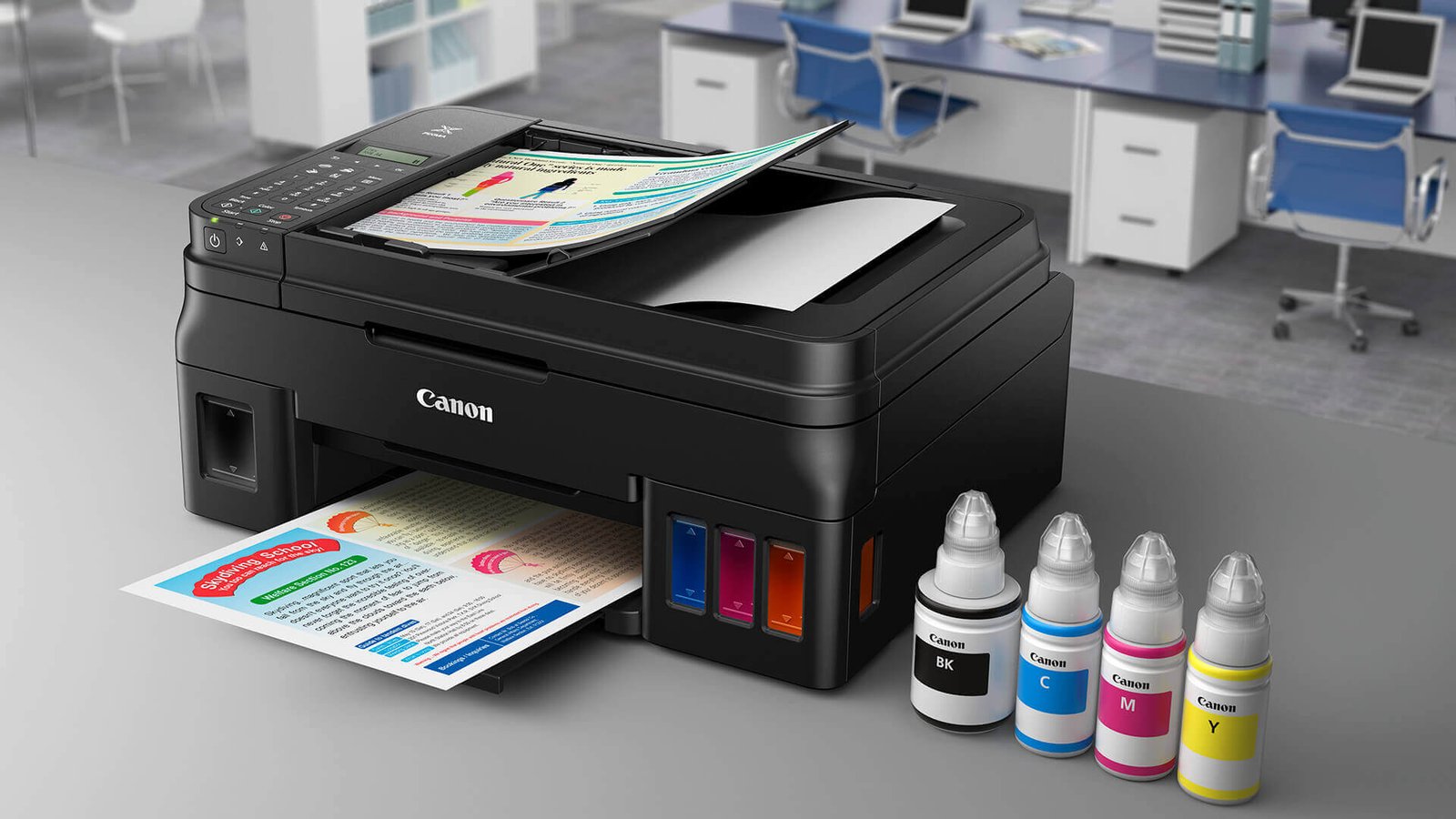
Canon Printer Support

WiFi setup, ink errors and printing issues.
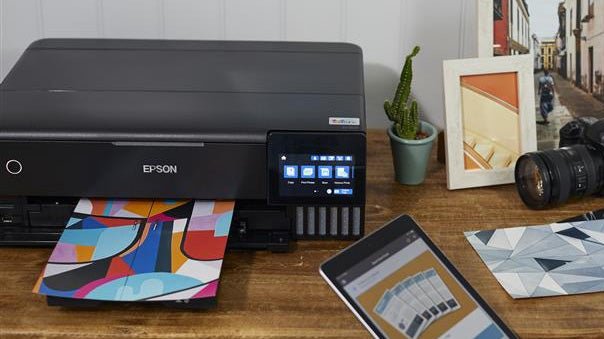
Epson Printer Support

Offline issues, driver fix and connectivity.
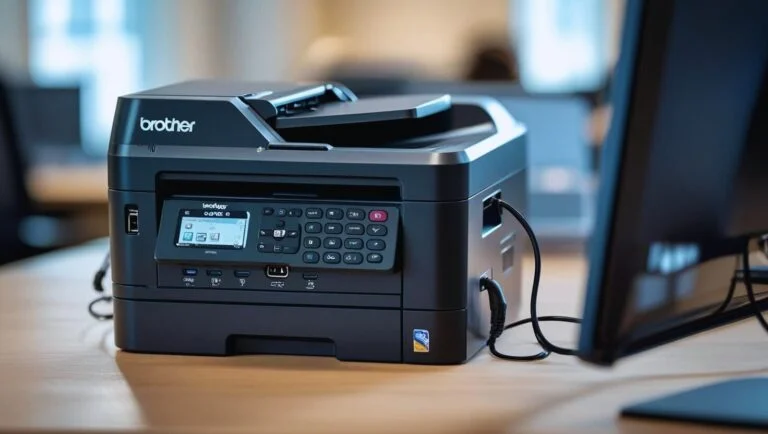
Brother Printer Support

Network setup and paper jam troubleshooting.

HP printers show offline due to connection issues, HP Smart app problems, incorrect default printer settings, or outdated drivers. We'll check your HP printer's connectivity, update the HP Universal Print Driver, and ensure your printer is properly configured in Windows or Mac settings.


For Canon printers, access the printer's control panel and navigate to Wireless LAN Setup. Use the Canon IJ Network Tool on your computer for advanced configuration. For WPS-enabled routers, hold the Wi-Fi button on your Canon printer and press the WPS button on your router.


Epson EcoTank printers may print blank due to clogged print heads, air in ink lines, or improper initial setup. Run multiple head cleaning cycles from Epson Printer Utility, perform a power ink flush if needed, and ensure ink tanks are properly filled above minimum lines.


Download the latest Brother driver from their official support site specific to your model and Windows 11. Uninstall existing Brother software completely, restart your computer, then install the fresh driver. Brother also offers a Driver Uninstall Tool for complete removal.


Slow printing can be caused by high-quality print settings, low printer memory, outdated drivers, or network congestion for wireless printers. Switch to draft mode for faster output, update firmware, and for network printers, consider connecting via USB or Ethernet for better speeds.


What to Expect When You Work with Us

Initial Consultation

We begin by getting to know your business and understanding your unique needs. During this consultation, we’ll explore your current systems and usages to determine how our wide format printing solutions and copiers can improve your productivity and operating cost.

Tailored Solutions

After our consultation, we provide customized recommendations—whether it’s purchasing, renting, or maintaining your equipment. We ensure you receive the most efficient solution for your business.

Ongoing Support

Our commitment doesn’t end with the sale. We offer continuous maintenance, supply management, and expert guidance to keep your equipment running smoothly and your business on track.

Ready to Print?
Contact Us

Important Disclaimer

Technovaquantum is an independent third-party service provider. We are not affiliated with, authorized by, or endorsed by any brand, trademark, or company mentioned on this website, including but not limited to Microsoft, Google, Norton, McAfee, HP, Dell, Apple, or any other brand. All trademarks and brand names are the property of their respective owners. Our team provides general assistance services and are not representatives of these brands. For official support, please contact the respective brand directly.

© 2026 Technovaquantum | All Rights Reserved .

We are an independent firm with profession printer experts.